 how-to
Elevated Listening Experience for Consumer Electronics
Table of Contents
- Why Your Current Setup Falls Short of an Elevated Listening Experience
- How to Improve Sound Quality: A Device-by-Device Guide
- Speaker Placement for Better Sound: Getting Your Room Right
- Hi-Res Audio: Is It Worth the Upgrade?
- Your Audio Equipment Upgrade Guide: Where to Spend First
- How to Evaluate Improvements Objectively
- Conclusion: Building Your Elevated Listening Experience
- Frequently Asked Questions
Last Updated: October 5, 2026
Why Your Current Setup Falls Short of an Elevated Listening Experience
Most people blame their ears. They shouldn't.
An elevated listening experience for consumer electronics rarely comes from buying the most expensive box in the shop. It comes from removing the bottlenecks that sit between the recording and your ears.
At Chiltern Audio, we spend our days matching components to rooms and to people, and the pattern is always the same.
Here's what most guides get wrong. Below, we'll show you how to improve sound quality device by device, where to place your speakers, and which upgrades actually earn their keep.
How to Improve Sound Quality: A Device-by-Device Guide
Improving sound quality starts with the device you listen on, because each one has a different weak point. A phone, a laptop and a TV all fail in different ways, so the fixes differ too.
Work through the device you use most, then move on.
Smartphones and Tablets
Phones are the most common source and the most compromised. Most have no headphone jack, so audio travels over Bluetooth. That's fine, but it's a bottleneck.
- Turn off volume-limiting features if you're using wired headphones
- Enable your streaming app's highest quality setting while on Wi-Fi
- Use wired headphones with a dongle when sound quality matters most
- Keep Bluetooth and Wi-Fi from fighting by disabling one when not needed
A phone's built-in speaker will never give you real bass. It's physics, not brand.
Computers and Laptops
Laptops are better than phones in one key way: they can send a clean digital signal to a proper converter. That's the upgrade path.
- Connect an external digital-to-analogue converter instead of the headphone jack
- Disable "enhancements" in your sound settings, which often add distortion
- Set your streaming service to lossless where available
- Use a decent pair of headphones rather than laptop speakers
The headphone jack on most laptops is the weakest part of the chain. Bypass it.
Televisions and Home Cinema Systems
Televisions are where the biggest gains hide, because that thin panel has no room for a speaker.
- Route audio to a soundbar or amp via HDMI ARC or optical
- Set the TV to output "bitstream" or "pass-through" rather than processing it
- Match your speaker levels using the amp's calibration
- Turn off the TV's own "surround" mode, which usually just muddies dialogue
A modest soundbar beats almost any flat-panel speaker. Every time.
Speaker Placement for Better Sound: Getting Your Room Right
Speaker placement for better sound does more for audio quality than any cable or accessory you can buy. Moving a speaker 30 centimetres can change everything you hear.
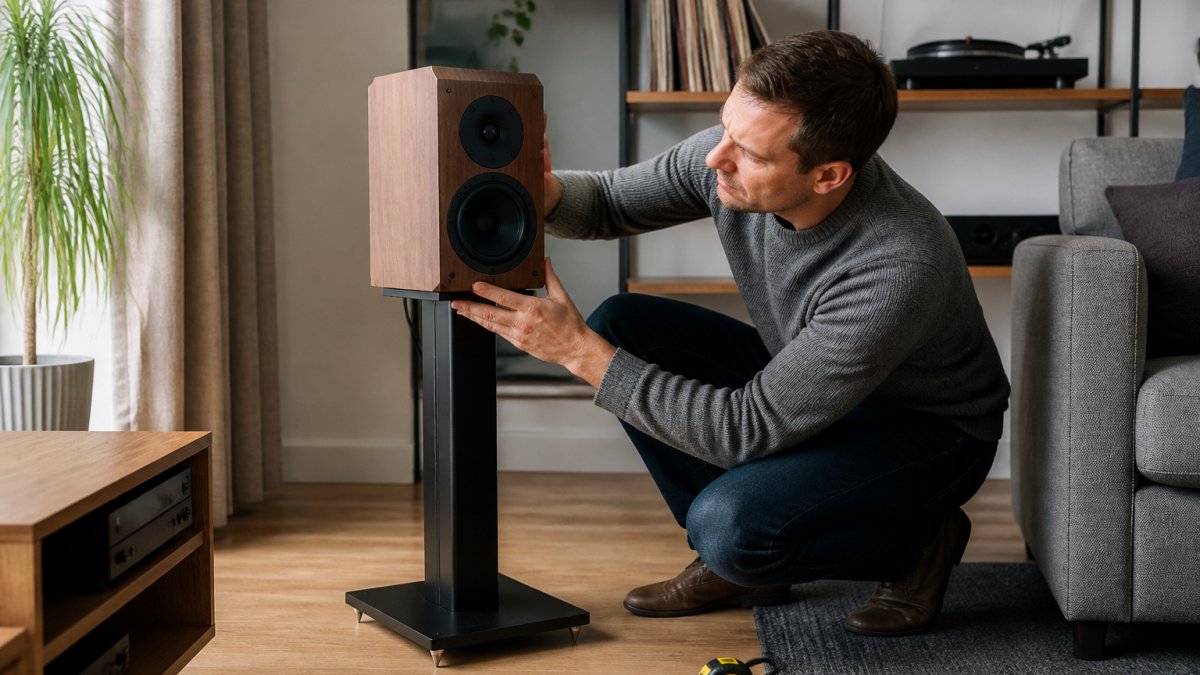
The Equilateral Triangle Rule
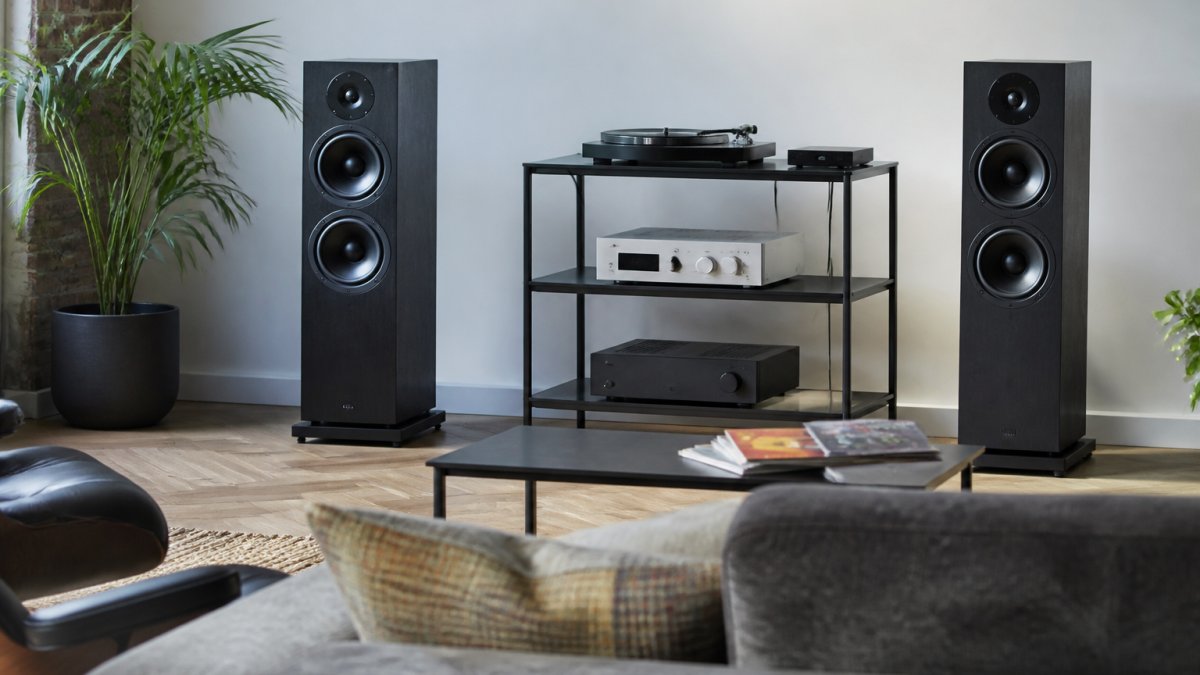
The equilateral triangle rule is the fastest way to set up stereo speakers: place the two speakers and your head at the corners of an equal-sided triangle. Each speaker should sit the same distance from you as they do from each other.
- Angle both speakers inward, aimed just past your head
- Keep tweeters at roughly ear height when seated
- Pull speakers away from the wall behind them
- Avoid corners, which boost bass unevenly
Get this right and you'll hear a proper soundstage: instruments spread across the room instead of piled in the middle.
Dealing with Room Acoustics and Background Noise
Room acoustics decide how much of your equipment's detail survives the trip to your ears. Hard floors, bare walls and big windows bounce sound around and smear the clarity.
- Add a rug, curtains or a bookshelf to break up reflections
- Move speakers off hard surfaces and onto stands
- Close windows and doors to cut background noise
- Test one change at a time so you know what worked
You can't fix a reflective room with better gear. You fix it with soft furnishings.
Hi-Res Audio: Is It Worth the Upgrade?
Hi-res audio is worth it only if the rest of your chain can reveal the difference. On a phone speaker, it's wasted. On a decent system, it adds air and detail you can genuinely hear.
The honest answer is: sometimes. High-resolution audio means files with more data than a standard CD, and it only helps when your headphones, speakers and converter can resolve that extra detail. Bitrate matters more than the badge on the box.
What the numbers actually mean
Standard CD audio is 16-bit at 44.1 kHz, which works out at roughly 1,411 kbps uncompressed. High-resolution files typically start at 24-bit and 96 kHz, and can run to 24-bit at 192 kHz.
The gap between 320 kbps and CD quality is audible on good gear in a quiet room. The gap between CD quality and 24/192 is much smaller, and many listeners cannot reliably pick it out in a blind test.
Codecs and compatibility
Your device has to support the format before you can hear it. Bluetooth is the usual bottleneck. The baseline SBC codec is lossy and unremarkable. AAC is better on Apple hardware. aptX and its variants, including aptX HD and aptX Adaptive, offer higher bitrates on Android and many Windows laptops.
Wired connections sidestep the codec question entirely. A USB digital-to-analogue converter or a dongle DAC will pass the full file to your headphones without Bluetooth compression. If you are chasing hi-res, wired is the simpler path.
A practical decision list
- Worth it: good headphones, a proper amp or DAC, a quiet room, and a source that actually serves the higher bitrate
- Skip it: phone speakers, noisy commutes, cheap earbuds, and any chain where Bluetooth is the weak link
- Always check: does your streaming app offer the tier, does your device support the codec, and does your DAC accept the sample rate?
A common pattern is that listeners upgrade their streaming tier first and hear nothing, because the bottleneck was the earbuds or the Bluetooth link. Start with better hardware. Upgrade your streaming tier last.
Your Audio Equipment Upgrade Guide: Where to Spend First
Spend on transducers first: headphones and speakers change sound quality more than anything else. Amps, cables and converters come later, and they matter less than the internet would have you believe.
Here's the order we'd follow, based on what actually moves the needle.
| Priority | Upgrade | Typical UK cost | Why It Matters | Skip If |
|---|---|---|---|---|
| 1 | Speaker placement and stands | Free to about £80 for stands | Biggest free gain in any room | You're already set up well |
| 2 | Headphones or speakers | About £80 to £400 | Largest change in sound quality | Yours are already good |
| 3 | Room treatment | About £40 to £200 | Reduces echo and uneven bass | Room is already soft |
| 4 | Amplifier or DAC | About £70 to £300 | Unlocks better gear | Your source is a phone |
| 5 | Cables and accessories | About £10 to £50 | Small, often overstated gains | Everything above is done |
Notice cables are last. That's not a typo.
The free upgrades most people skip
Before you spend anything, do these. They cost nothing and they often beat a new purchase.
- Move your speakers off the floor and away from the wall behind them
- Turn off the TV's or laptop's 'enhancements' and fake surround modes
- Set your streaming app to its highest quality tier on Wi-Fi
- Close curtains and doors to cut reflections and background noise
- Check that your headphones are actually being driven properly, not just loud enough
A common pattern is that a listener buys a new amplifier and hears no change, because the speakers were sitting in a corner and the room was bare. Fix the free things first.
Device-by-device spending priorities
Different devices fail in different ways, so the first pound you spend should go somewhere different depending on what you listen on.
- Phone: headphones or a dongle DAC first. The built-in speaker is a dead end.
- Laptop: an external DAC or a decent pair of headphones. The headphone jack is usually the weak link.
- Television: a soundbar or amp via HDMI ARC or optical. The panel speakers are the bottleneck.
- Smart speaker: placement and room acoustics. You cannot upgrade the driver, so get the most from where it sits.
- Hi-fi separates: speakers first, then room treatment, then source. Amps and cables last.
Compatibility and connection trade-offs
Wired versus wireless is the decision that trips most people up. Wired is more reliable, carries higher bitrates, and avoids codec negotiation entirely. Wireless is more convenient, but it introduces a codec, a battery, and a potential bottleneck between your source and your ears.
If you are building a system around a phone or laptop, check that your chosen headphones or speaker support the codec your device can send. Buying aptX HD headphones for a phone that only sends SBC is money wasted.
How to Evaluate Improvements Objectively
Evaluate improvements by changing one thing at a time and listening to the same track twice. Your memory for sound is short, so a quick, repeatable test beats a long listening session.
- Pick three familiar tracks and stick with them
- Change one component, then listen again
- Listen for specific things: bass depth, vocal clarity, detail
- Give it a few days before deciding, not a few minutes
If you can't hear a clear difference, the upgrade isn't worth it. That's not failure. That's useful information.
Conclusion: Building Your Elevated Listening Experience
The gap between average sound and genuinely great sound is usually small, cheap and unglamorous. Placement, settings and one well-chosen upgrade do more than a pile of expensive gear.
If you'd rather not guess, that's where we come in. Chiltern Audio offers real-world hifi demonstrations, bespoke system building and expert matching of components so everything works together. We'll help you hear the difference before you commit.
Get started with Chiltern Audio and build the system your music deserves.
Frequently Asked Questions
How can I improve the sound quality of my consumer electronics?
Start with speaker placement. Position your speakers to form an equilateral triangle with your listening spot, and keep them away from walls to reduce unwanted bass reflections. Next, check your audio settings: enable any available equalisation and turn off artificial surround modes for music. If you use streaming services, switch to their highest quality tier. For computers and phones, a dedicated DAC or headphone amplifier often makes a bigger difference than new speakers.
Do hi-res audio files sound better than standard streaming?
Hi-res audio files carry more detail than standard compressed streams, particularly in complex passages where cymbals, strings, and layered vocals can blur at lower bitrates. The difference is most noticeable on a resolving system: quality headphones or speakers paired with a capable DAC. On basic earbuds or a laptop's built-in speakers, the improvement is harder to hear. Try a free trial of a hi-res streaming tier and compare the same track at both quality levels on your own equipment.
How does room placement affect speaker sound?
Room placement shapes bass response, stereo imaging, and clarity more than most equipment upgrades. Speakers placed too close to a wall reinforce low frequencies, making bass sound boomy and masking detail. Corner placement exaggerates this further. Pulling speakers at least 30cm from the rear wall and angling them slightly inward toward your listening position tightens bass and sharpens the soundstage. Soft furnishings, rugs, and curtains absorb reflections that otherwise smear timing and detail.
When should I upgrade my speakers or headphones?
Upgrade when you have exhausted placement and settings adjustments and still find the sound lacking in a specific way. If bass sounds thin regardless of positioning, larger drivers may help. If detail feels missing at low volumes, more sensitive headphones or speakers could be the answer. Prioritise the component closest to your ears: headphones and speakers shape the sound most, followed by the amplifier, then the source. Bring your own music to a demonstration and trust what you hear.